

Free
Everything a small shop needs to sell.
- No internetstill works
To payKSh 0
Cash or M‑Pesa, with or without internet.
Set up your shop in the browser and sign in with your phone number. Every plan is free until 31 January 2027.


No internetThe sale still goes in
Samuel K., on creditKSh 855 owed
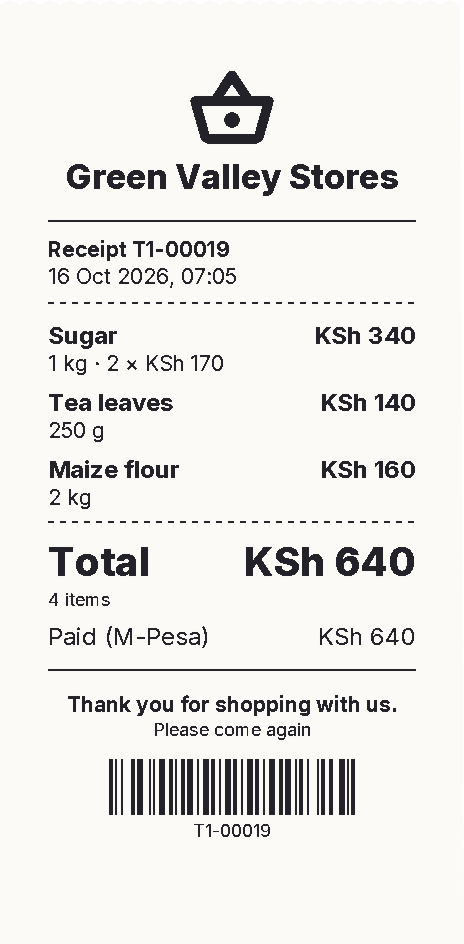
Paid by M‑PesaKSh 640, at 7:05
Tap or scan, take cash or M‑Pesa, and the till works out the change.
Deni is the credit customers owe the shop. See who owes what; when they pay some back, one tap takes it off.
Sales take stock off, deliveries put it back, and every item shows what’s left.
What came in today, in cash, by M‑Pesa and on credit.
A sample shop, from the first sale to the sums at night. Each moment plays in the real app.
Two packets of sugar, tea leaves and maize flour for breakfast: KSh 640. The customer sends it by M‑Pesa, you check the message, tap Payment received, and the receipt prints. Airtel Money works the same way.
Samuel Kiprono takes rice, oil and tomato paste for lunch: KSh 855 on credit. Pick his name, tap Sell on credit, and his receipt says what he owes now: KSh 1,335.
Brian Otieno sends KSh 500 of what he owes by M‑Pesa. One tap, and his balance goes from KSh 972 to KSh 472. No crossing out, no arguments.
It’s all kept on the phone, and backed up when the internet is back. A KSh 500 note for a KSh 325 sale, and the till says what to give back: KSh 175.
Twelve bottles of cooking oil from Mombasa Road Oils, on credit, at KSh 340 each, up from KSh 310. The till works out the price that keeps its profit, KSh 365. One tap sets it, and the new shelf label prints.
KSh 1,820 from three sales: by M‑Pesa, in cash and on credit. And KSh 500 of old credit came back. No notebook, no sums.

A sample shop on Pro, so every screen has something in it.
Tap the one like yours.
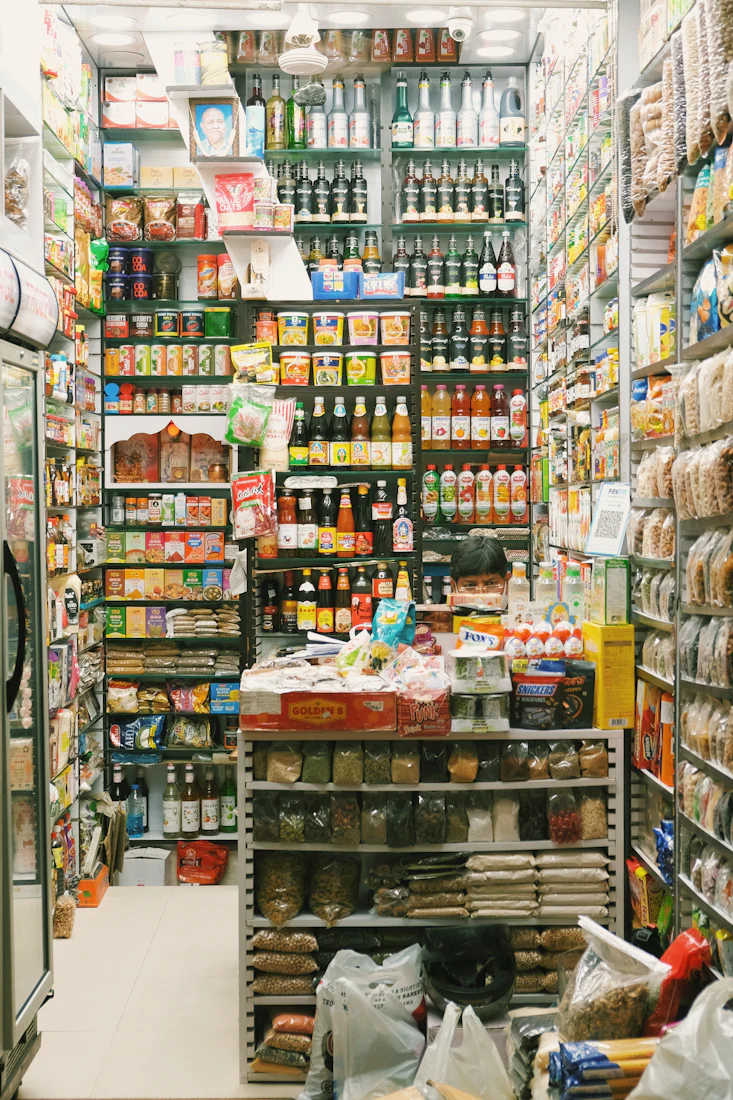
A hundred small sales a day, scanned or tapped, paid in cash or by M‑Pesa.
Start with the phone you have. Add paper when you want it.
The till itself. Its camera scans barcodes, and receipts go out on WhatsApp.
A bigger counter. The same till, with more of it on the screen at once.
An Android till that fits in one hand, with its own printer and scan key. Get Outlet from the Sunmi App Store on it.
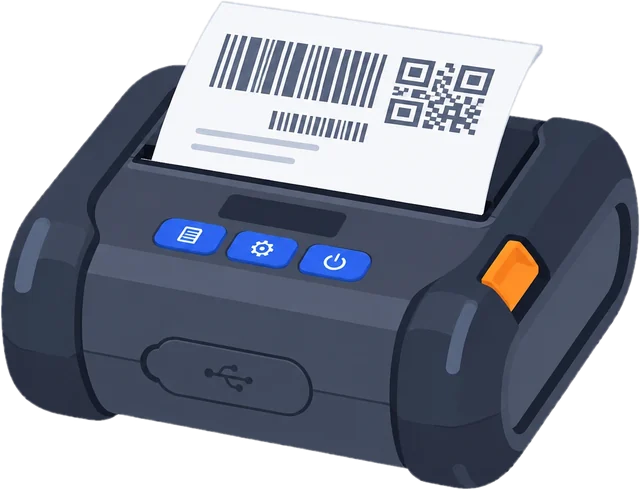
The ZM04. Receipts after every sale or when a customer asks, and labels when a label roll is in.
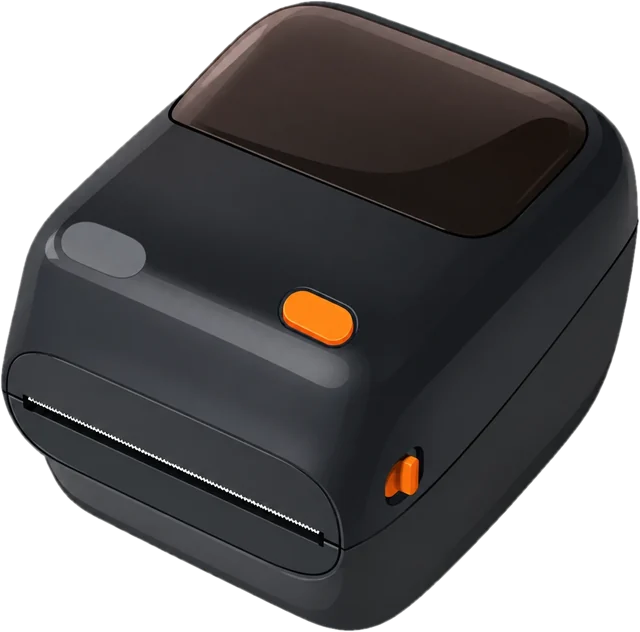
The ZyWell ZY910. Shelf labels, barcode stickers and 80 mm receipts, with no pairing to set up.
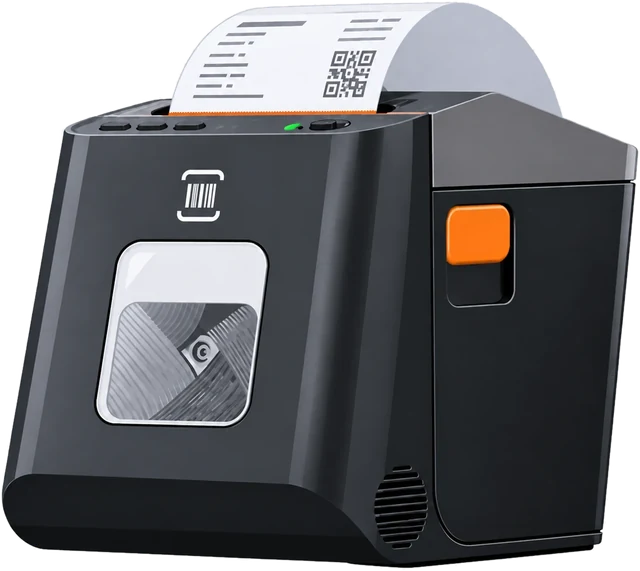
An 80 mm desk printer that stays on the counter. Receipts and barcode labels from the one printer.
Each card says what the printer works with. An iPhone or iPad sends receipts on WhatsApp, and prints labels and sticker sheets through its own print menu. Outlet’s print helper, for a shop computer with Chrome or Edge: Mac or Windows.
The details, for whoever looks after the shop’s phones.
Try it with loose rice, at $1.30 a kilo.
Every plan is free until 31 January 2027. After that, Starter and Pro are paid by the month. Free is always free.
Tap a line marked with a little phone to see it in the sample shop.
Everything a small shop needs to sell.
To payKSh 0
Everything in Free, and credit.
Each monthKSh 5,000
Free until 31 January 2027.
Everything in Starter, and more.
Each monthKSh 10,000
Free until 31 January 2027.
Everything in Pro, for when the shop grows.
PriceLater
Being built. Pro keeps everything it has.

The short answers. For anything else, email outlet@maamul.com.
Or try it first, in a sample shop full of things to tap.
Yes. Your shop is kept on the phone itself, so a sale goes through with no signal at all.
Your shop comes back. Whenever there’s internet, every sale, every item and what each customer owes is copied to Outlet’s server. Sign in on a new phone and it’s all there; then sign the lost one out in Menu → Devices.
Free for one shop, with up to 50 items and 2 people. Until 31 January 2027, every plan is free. At sign-up, Outlet asks a few quick questions and suggests the plan that fits your shop. You can pick any plan, and move up or down any time. After that date, Starter is KSh 5,000 a month and Pro is KSh 10,000, or you move to Free. Free stays free, and nothing is lost. The Full Suite is being built. See the plans.
Kenya shillings, in cash or by M‑Pesa and Airtel Money from the customer’s own phone. Not yet: the M‑Pesa prompt sent from the till.
Not yet. With tax turned on, every sale keeps its 16% VAT, but receipts don’t go to KRA’s eTIMS yet.
No. Everyone behind the counter has their own PIN. A cashier sells and sends receipts, and never sees your costs or settings.
No, the phone is the till. If you want paper, Outlet prints receipts on a Sunmi V3 or a Wi‑Fi printer, and shelf labels and barcode stickers on a label printer. Printing comes with Starter, and Starter is free until 31 January 2027.
Wi‑Fi receipt and label printers that speak ESC/POS or TSPL, Bluetooth label printers that speak TSPL, the Sunmi V3’s own printer, and any office printer for A4 sticker sheets. It was tested on the ZM04, the ZyWell ZY910 and the Sunmi V3. See the hardware.
Open it here, in the browser on a phone or a computer: it’s the real app, and your shop stays in it. On a Sunmi V3, it’s in the Sunmi App Store; Google Play comes next. Open the app